
Introduction
Contents
- 1 Introduction
- 1.1 1. Place the AC on the Right Wall
- 1.2 2. Use Smart Thermostats
- 1.3 3. Choose Light Wall Colors
- 1.4 4. Seal Doors and Windows
- 1.5 5. Use Smart Curtains or Blinds
- 1.6 6. Keep Furniture Away from AC
- 1.7 7. Install Ceiling Fans
- 1.8 8. Use Zoned Cooling
- 1.9 9. Pick the Right AC Size
- 1.10 10. Add Smart Sensors
- 1.11 11. Keep the AC High
- 1.12 12. Use Insulated Walls
- 1.13 13. Choose Matte Finishes
- 1.14 14. Reduce Heat Sources
- 1.15 15. Use Smart Plugs
- 1.16 16. Design Open Layouts
- 1.17 17. Maintain the AC Regularly
- 1.18 18. Install Reflective Roofing
- 1.19 19. Use Smart AC Scheduling
- 1.20 20. Keep Windows Shaded
- 1.21 21. Use Dehumidifiers
- 1.22 22. Choose Minimal Decor
- 1.23 23. Smart Voice Control
- 1.24 24. Use Energy Monitoring Apps
- 1.25 25. Design for Sleep Cooling
- 1.26 Final Thought
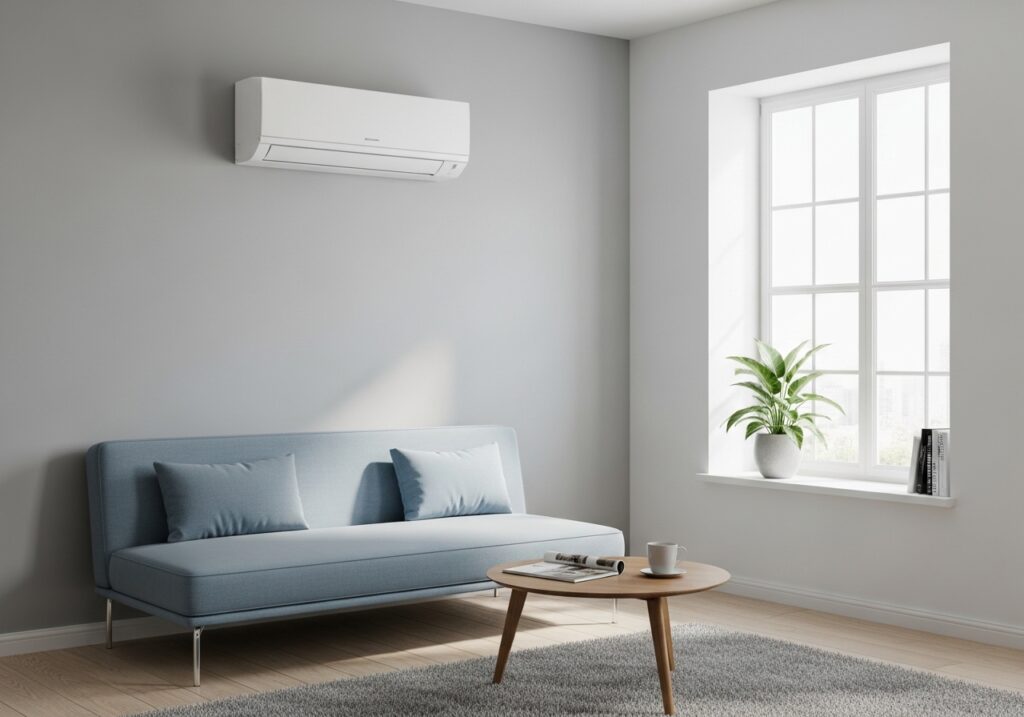
Sweaty nights. Uneven cooling. High power bills. Smart Room with AC Design fixes these daily headaches. We see the same wish again and again: cool air that feels even, quiet, and affordable. Just like Valentines Room Decor Ideas focus on making a room feel comfortable and inviting, this guide speaks to that pain and shows clear ways to design a smart room where AC actually works for you, not against you.
1. Place the AC on the Right Wall
Cold air must travel freely.Mount the AC on a wall facing the longest open space. Avoid placing it above doors or tight corners. Air needs room to spread, like ripples in water.
2. Use Smart Thermostats
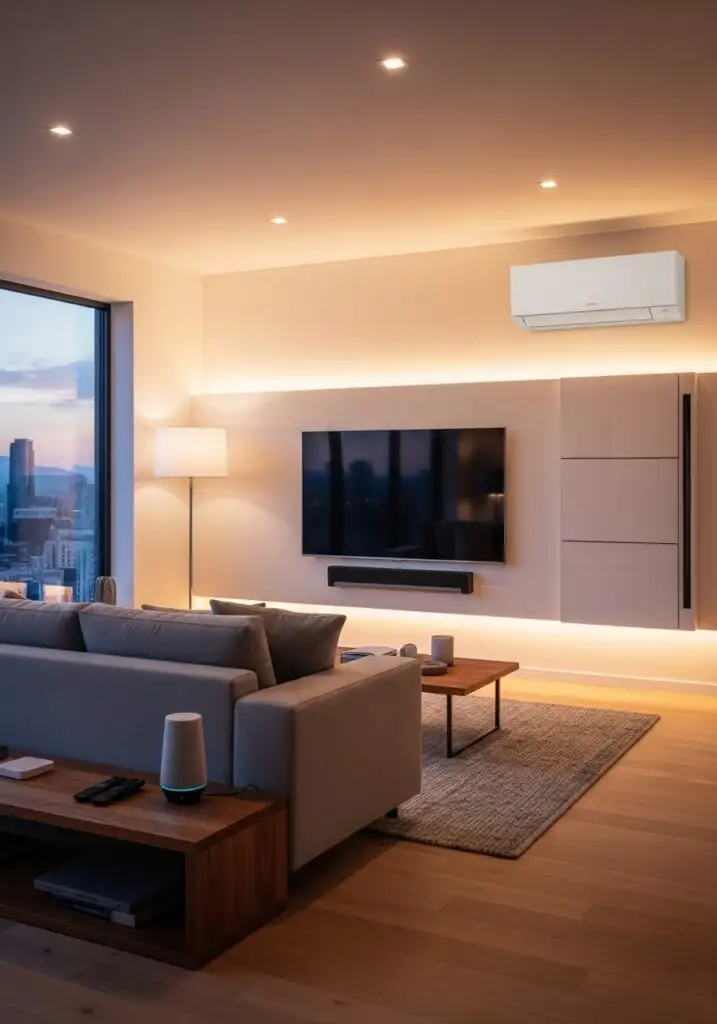
Smart control saves energy.A smart thermostat learns schedules and adjusts cooling without constant input. Less fiddling. More comfort.
3. Choose Light Wall Colors
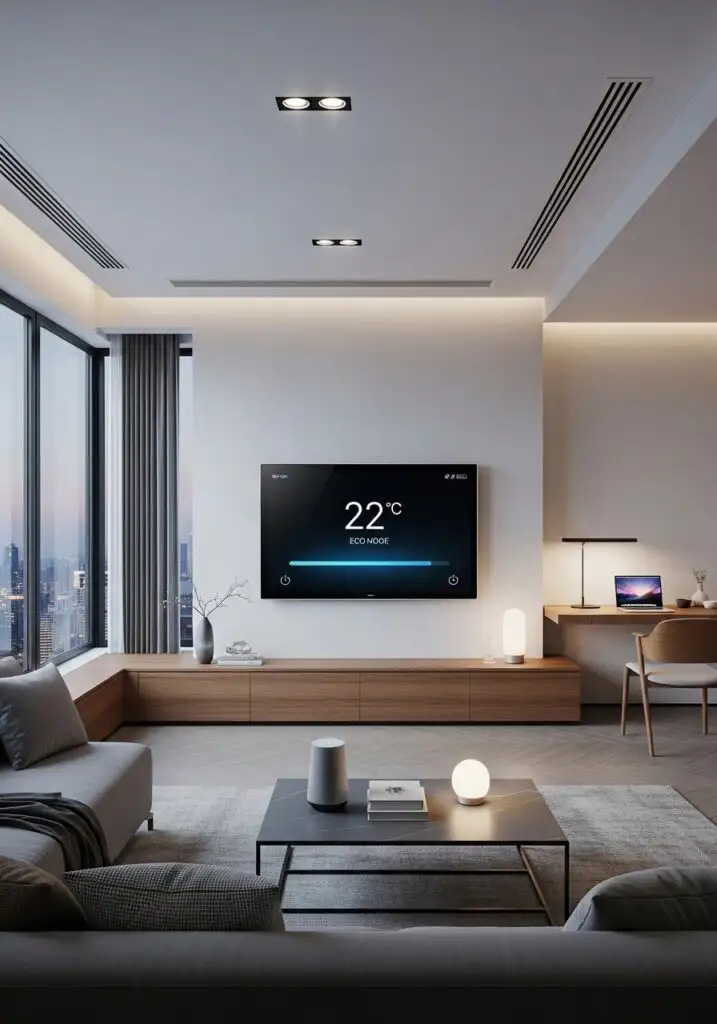
Dark walls trap heat.Light shades reflect heat and help rooms cool faster. White, cream, or soft grey work best.Think of it like wearing black in summer. The same rule applies.
4. Seal Doors and Windows
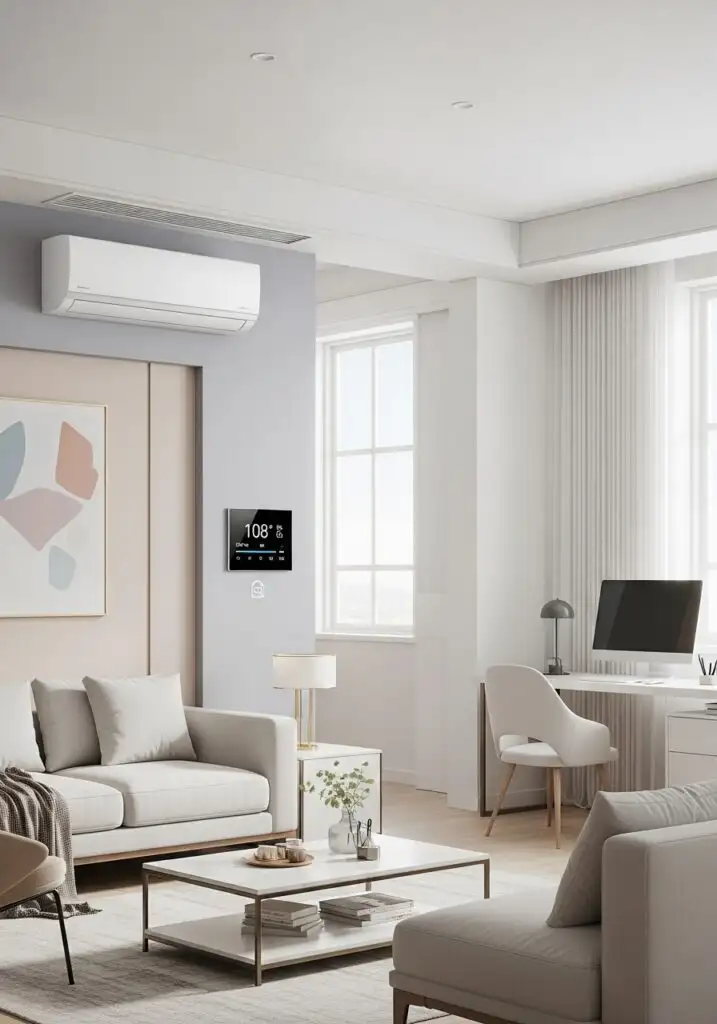
Leaks waste cold air. Even small gaps let cool air slip out. Weather strips and door seals cost little but pay back fast.
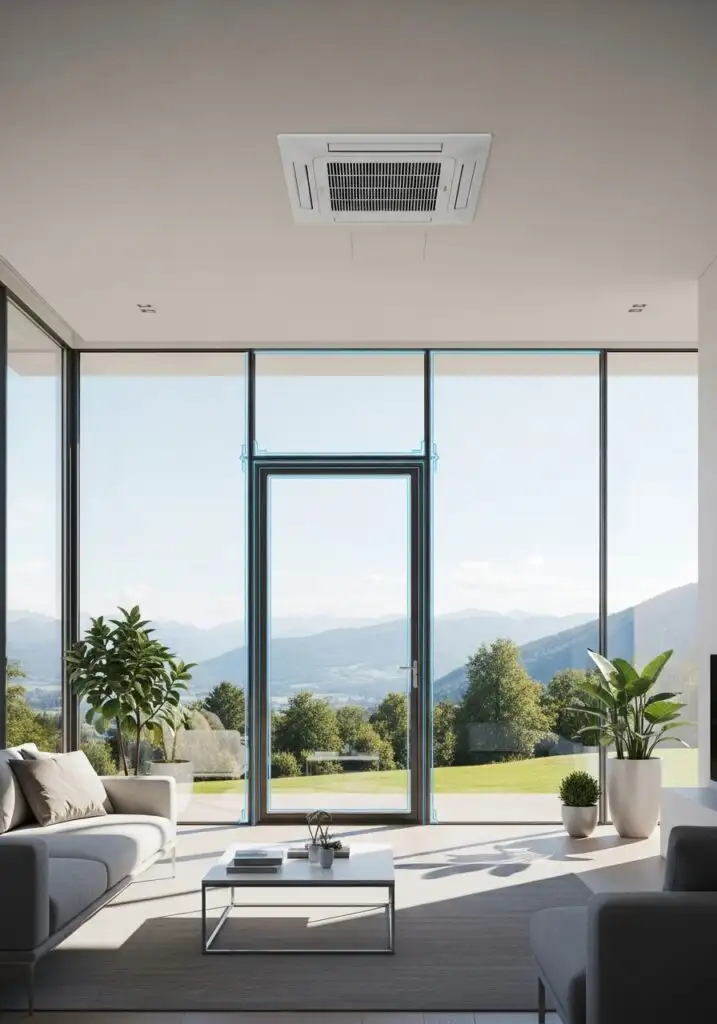
5. Use Smart Curtains or Blinds
Sunlight heats rooms fast.Smart blinds close during peak sun hours and open later. Less heat in. Less AC strain.
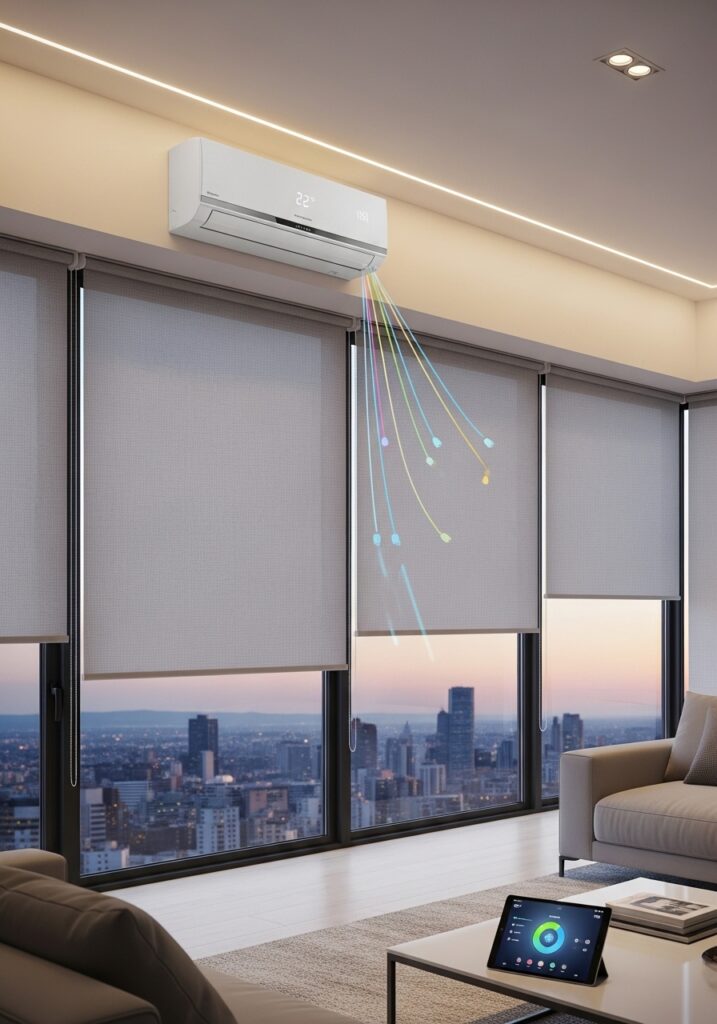
6. Keep Furniture Away from AC
Blocked airflow hurts cooling.Large cabinets or sofas under AC vents trap cold air. Leave clear space so air moves freely.It’s like blocking a fan with a pillow.
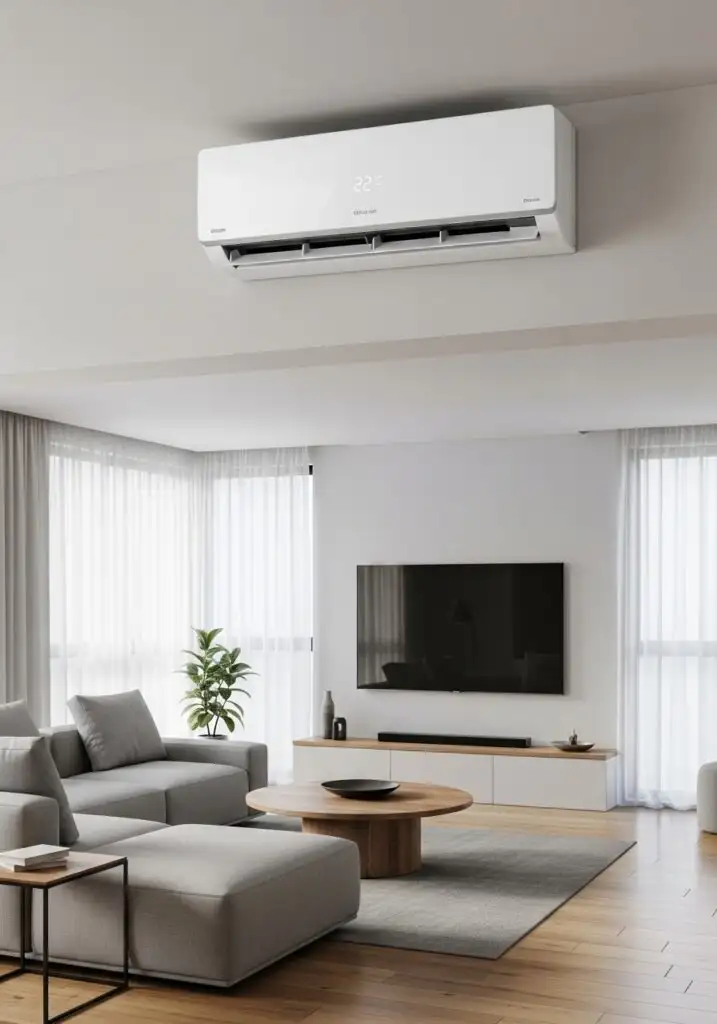
7. Install Ceiling Fans
Fans spread cool air. A slow-spinning ceiling fan pushes cold air evenly. AC works less. Comfort feels steady.
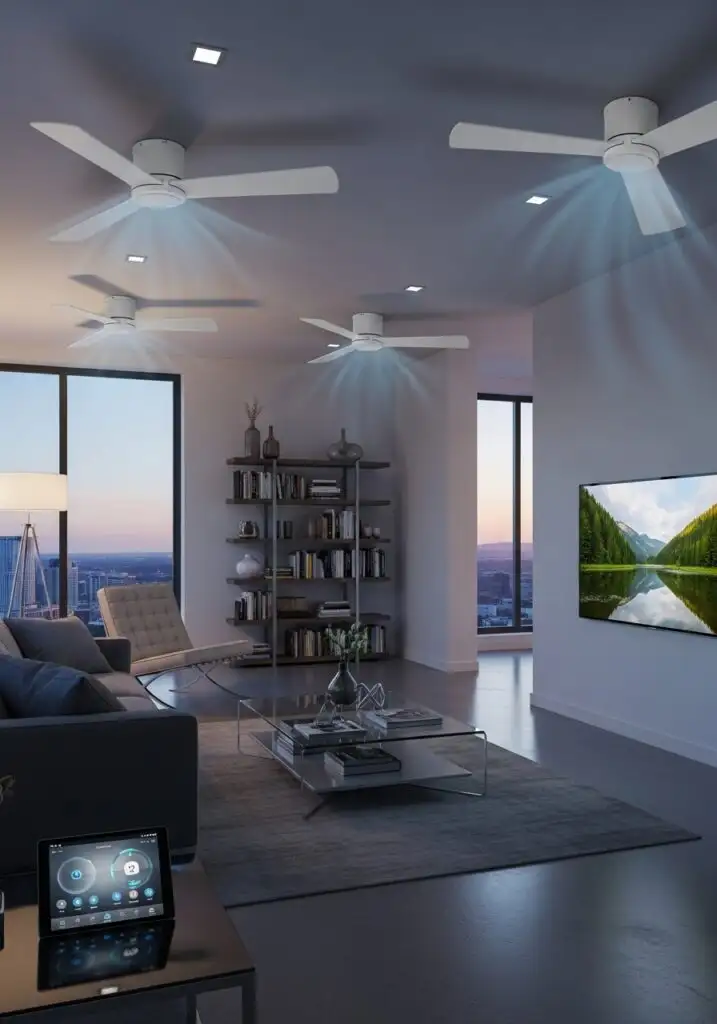
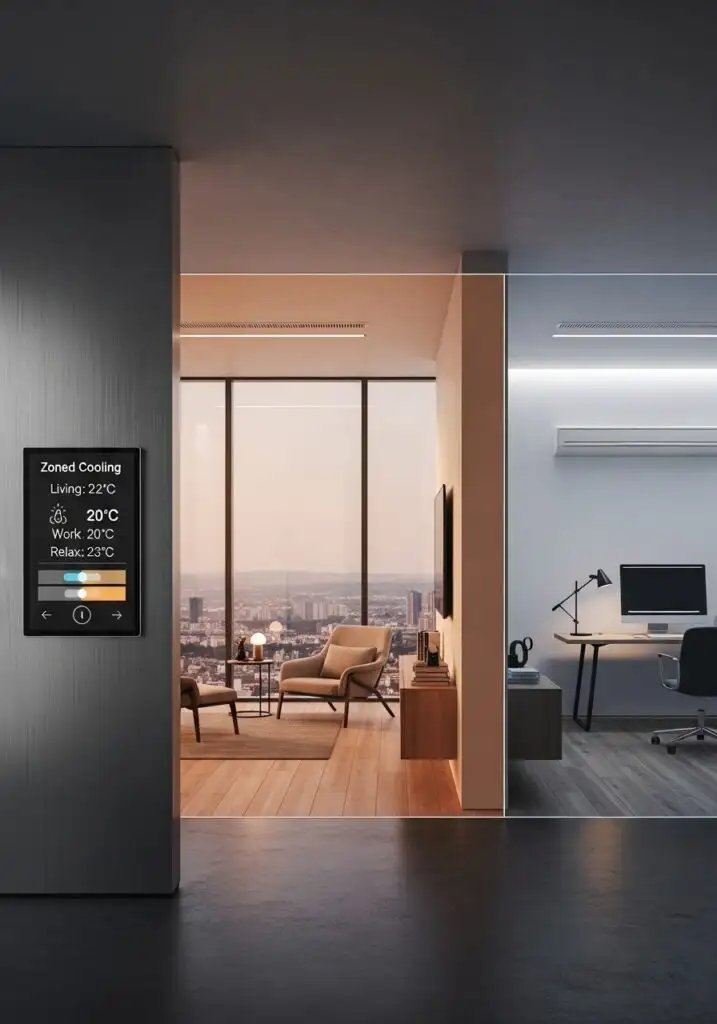
8. Use Zoned Cooling
Cool only used rooms. Smart AC systems let each room cool separately. Empty rooms stay off. Bills stay lower.
9. Pick the Right AC Size
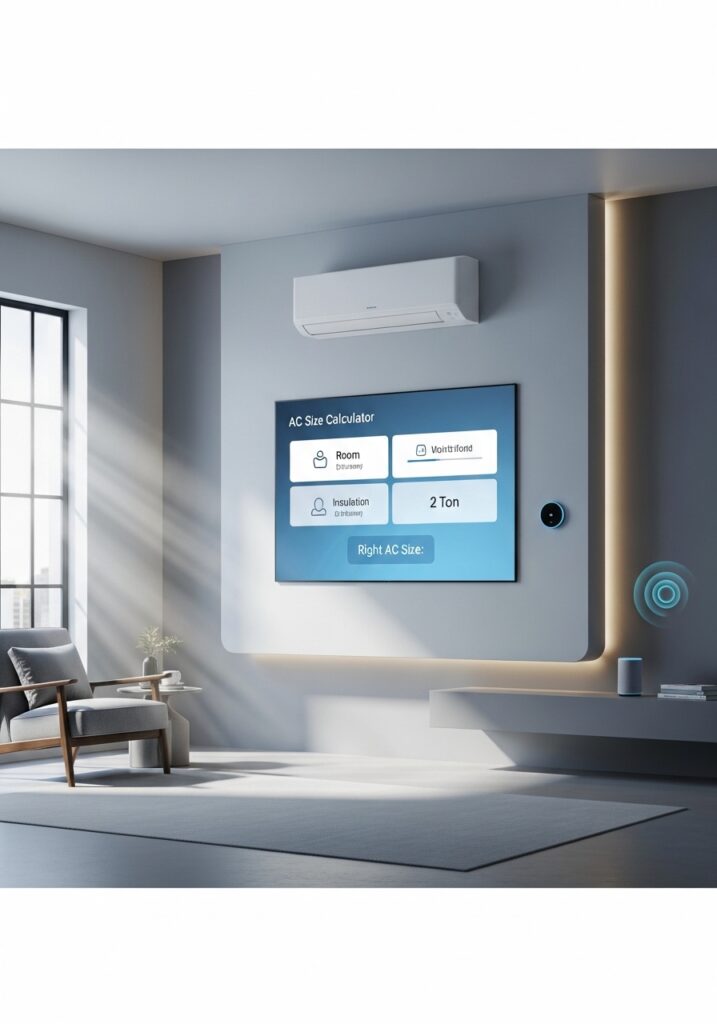
Bigger isn’t better. An oversized AC cools too fast and shuts off early. That causes uneven temperatures. Match AC size to room size.
10. Add Smart Sensors
Sensors guide cooling.Temperature and motion sensors tell AC when to run. Cooling follows real use, not guesses.
11. Keep the AC High
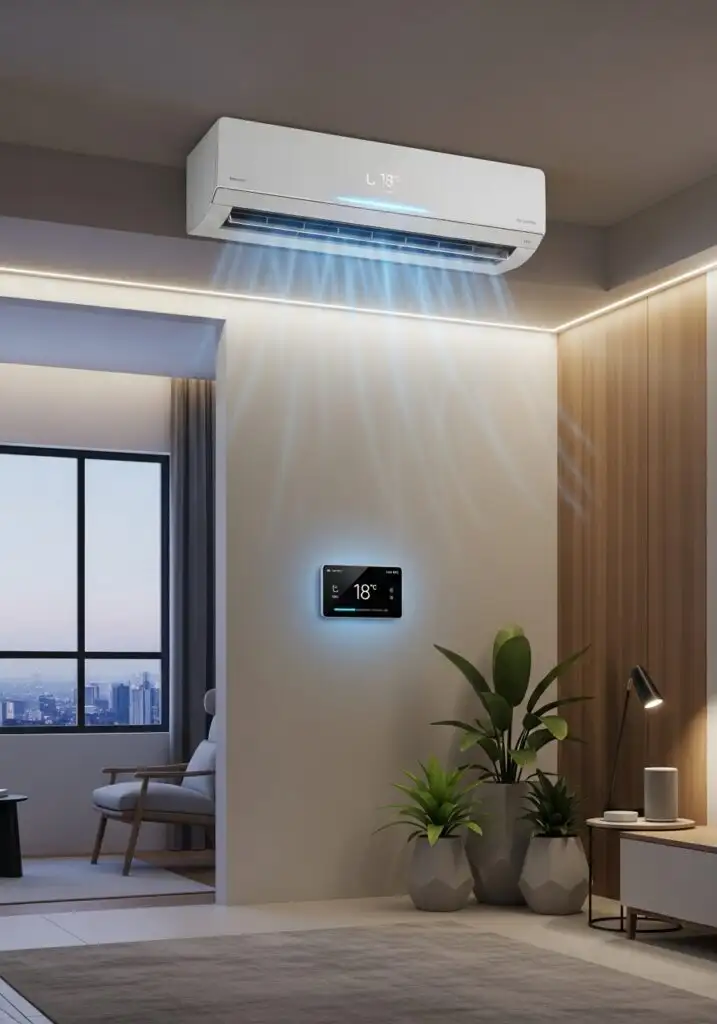
Height helps airflow. Cold air falls naturally. A higher mount spreads cooling evenly across the room.
12. Use Insulated Walls
Insulation slows heat. Insulated walls hold cool air longer. AC runs less often.
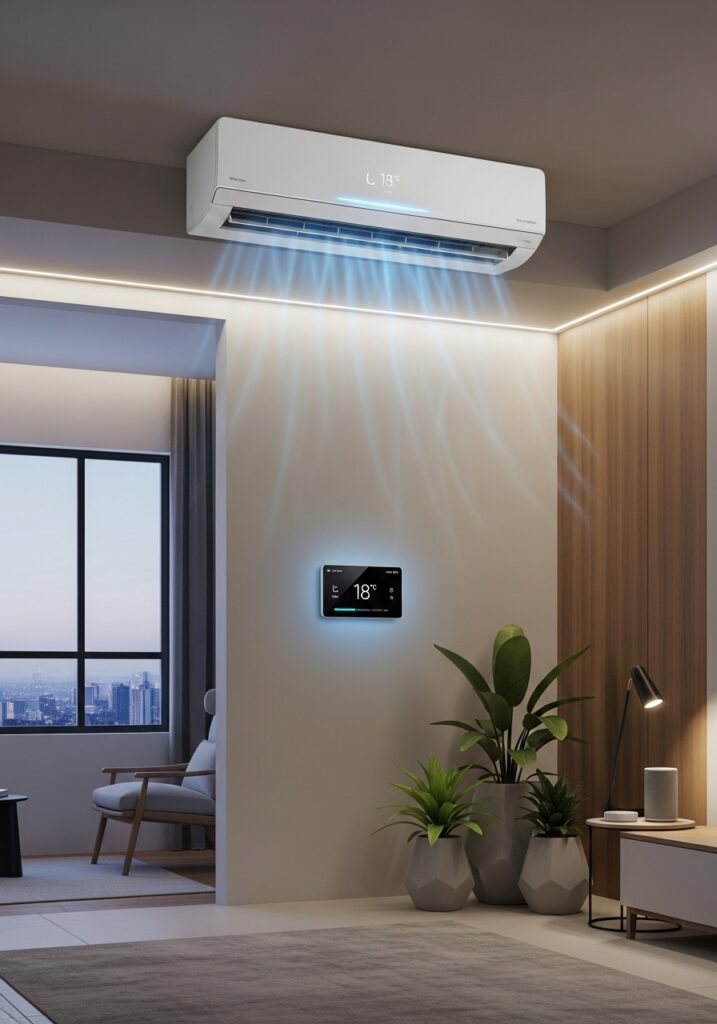
13. Choose Matte Finishes
Glossy surfaces trap heat.Matte walls and furniture absorb less heat glare. Rooms feel calmer and cooler.
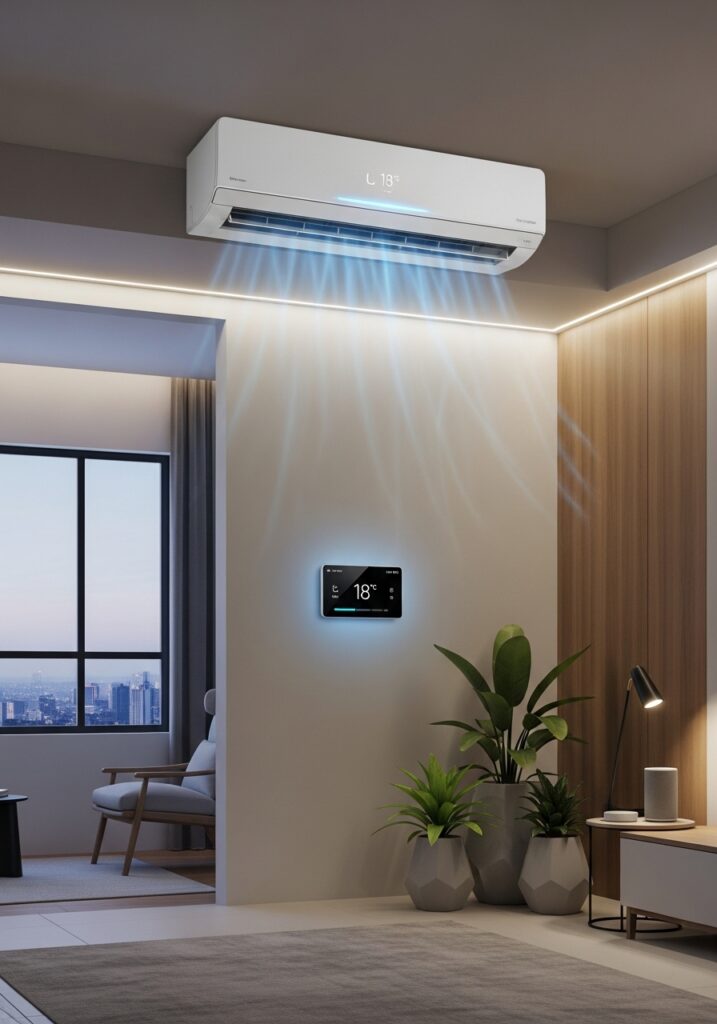
14. Reduce Heat Sources
Electronics add warmth. Turn off unused devices. Move heat-heavy items away from the AC zone.Every watt adds warmth.
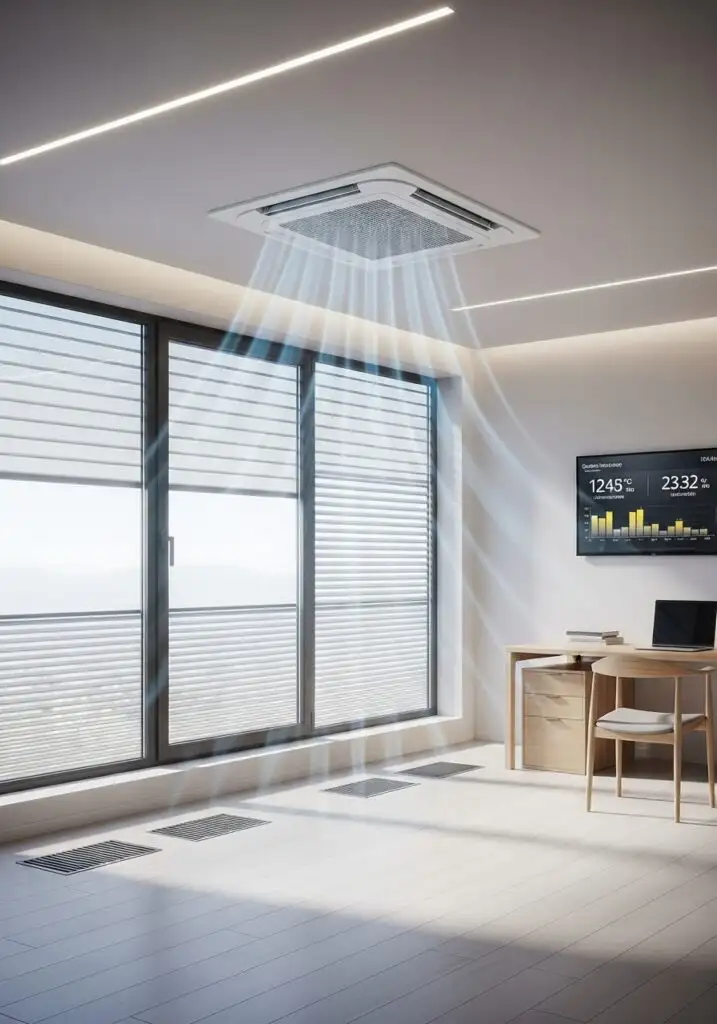
15. Use Smart Plugs
Control power flow.Smart plugs shut devices off when idle. Less heat buildup. Less AC load.
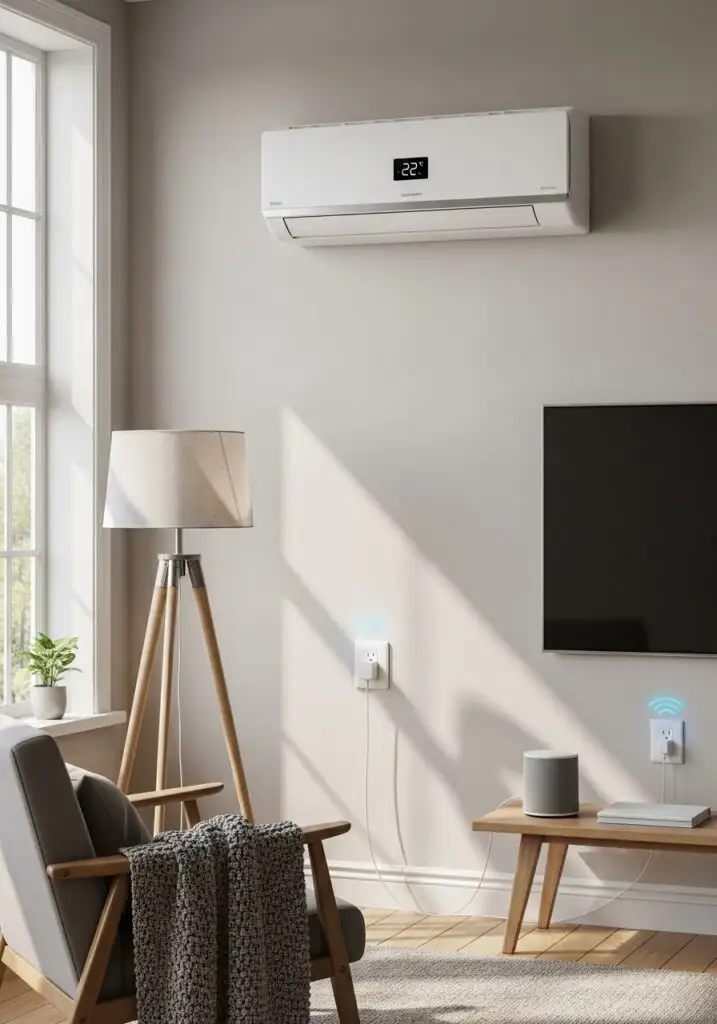
16. Design Open Layouts
Open space cools better. Fewer partitions help air move freely. Cooling feels even, not patchy.
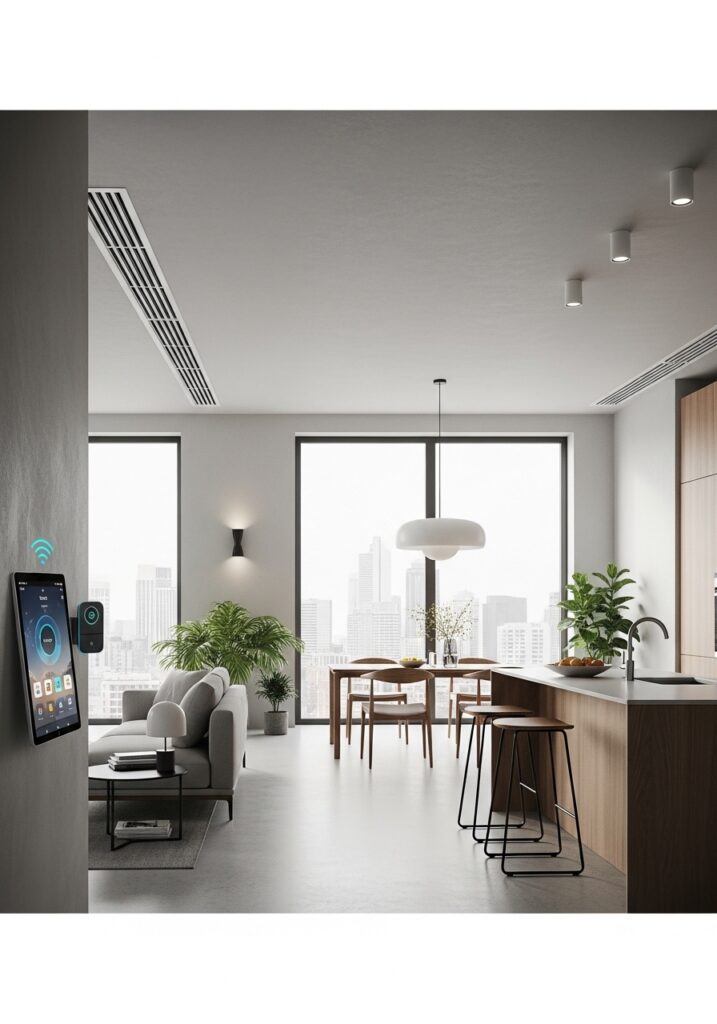
17. Maintain the AC Regularly
Dirty filters block air. Clean filters improve airflow and cooling speed. Set smart reminders to stay on track.
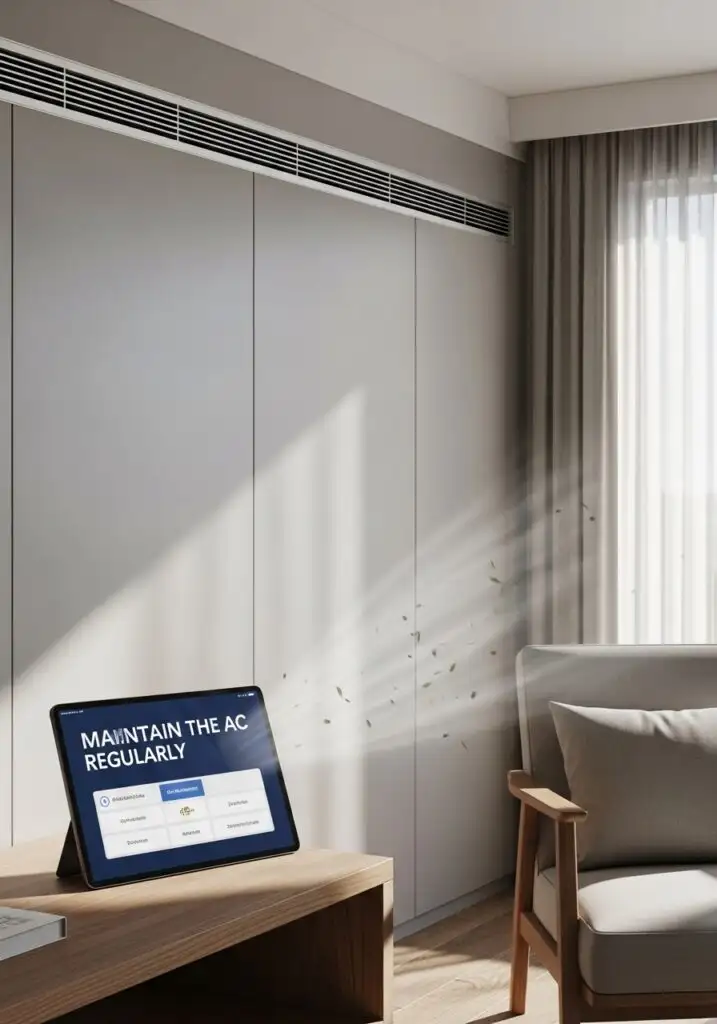
18. Install Reflective Roofing
Heat enters from above.Reflective roofs bounce heat away. The rooms below stay cooler.
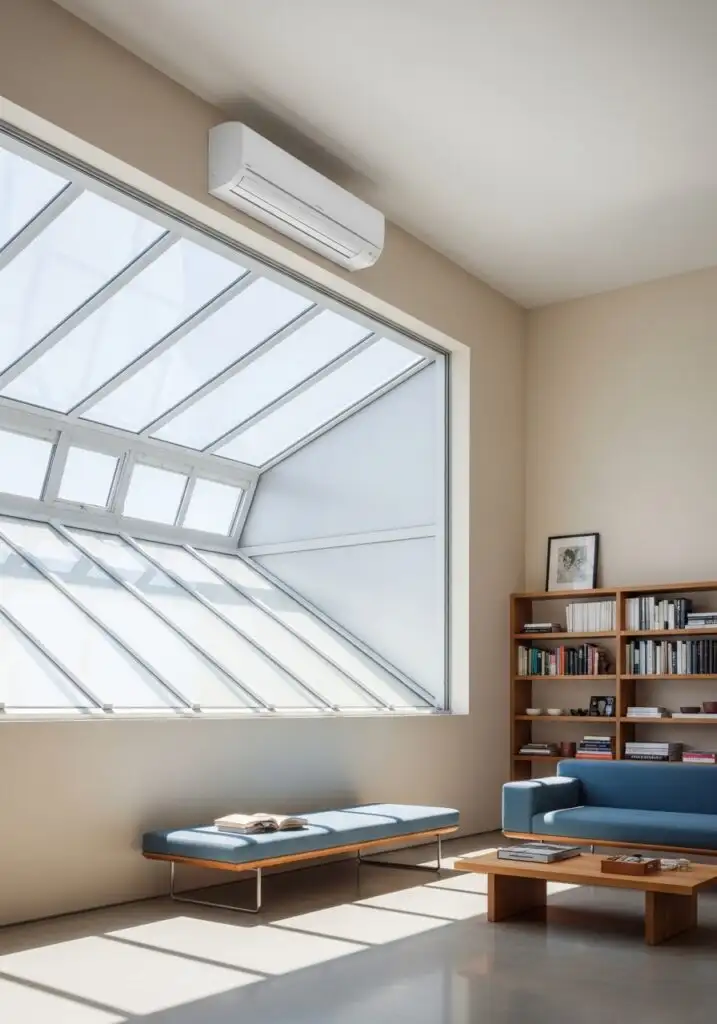
19. Use Smart AC Scheduling
Timing matters. Pre-cool rooms before peak heat hours. AC works smarter, not harder.
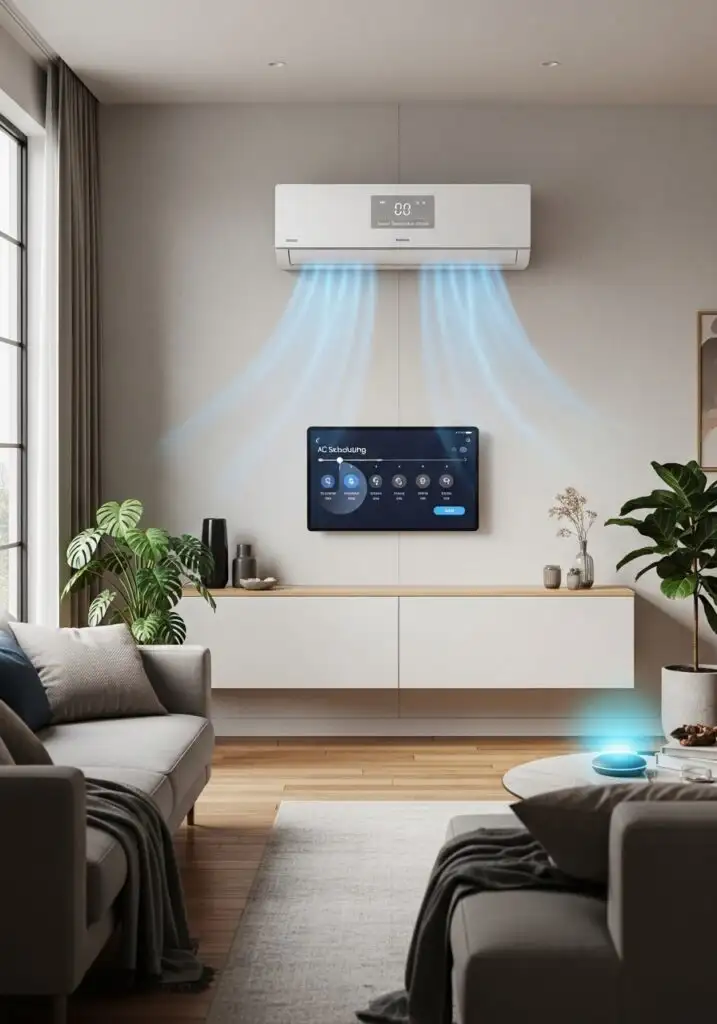
20. Keep Windows Shaded
Direct sun heats fast. External shades block heat before it enters. Internal curtains help but outside shading works better.
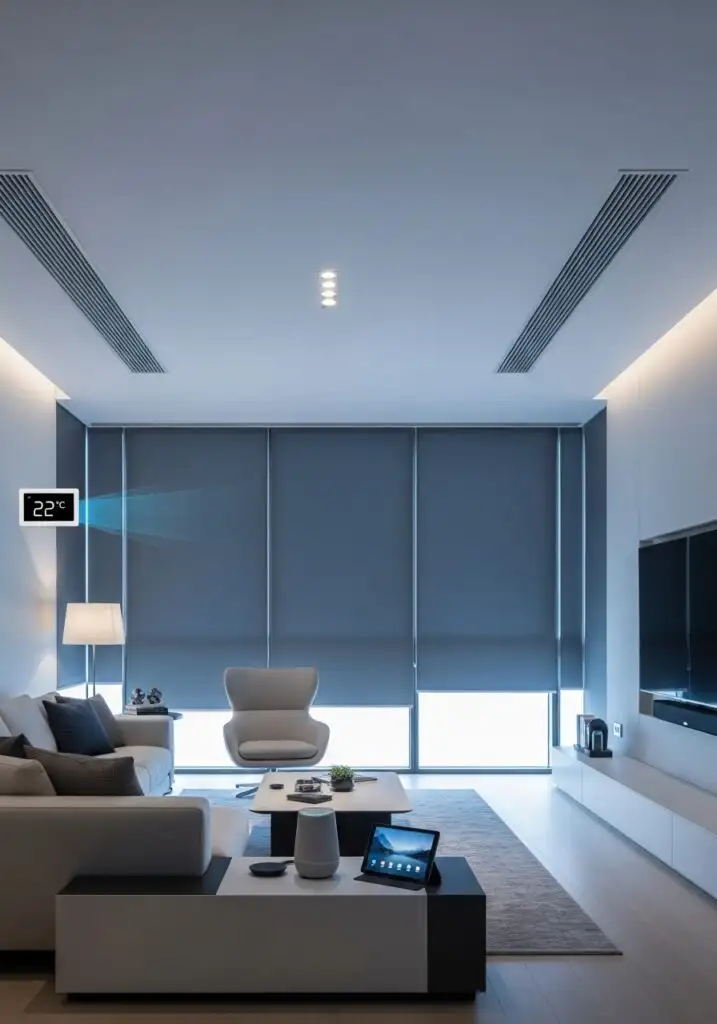
21. Use Dehumidifiers
Dry air cools faster. Humidity makes rooms feel warmer. Smart dehumidifiers help AC cool efficiently.
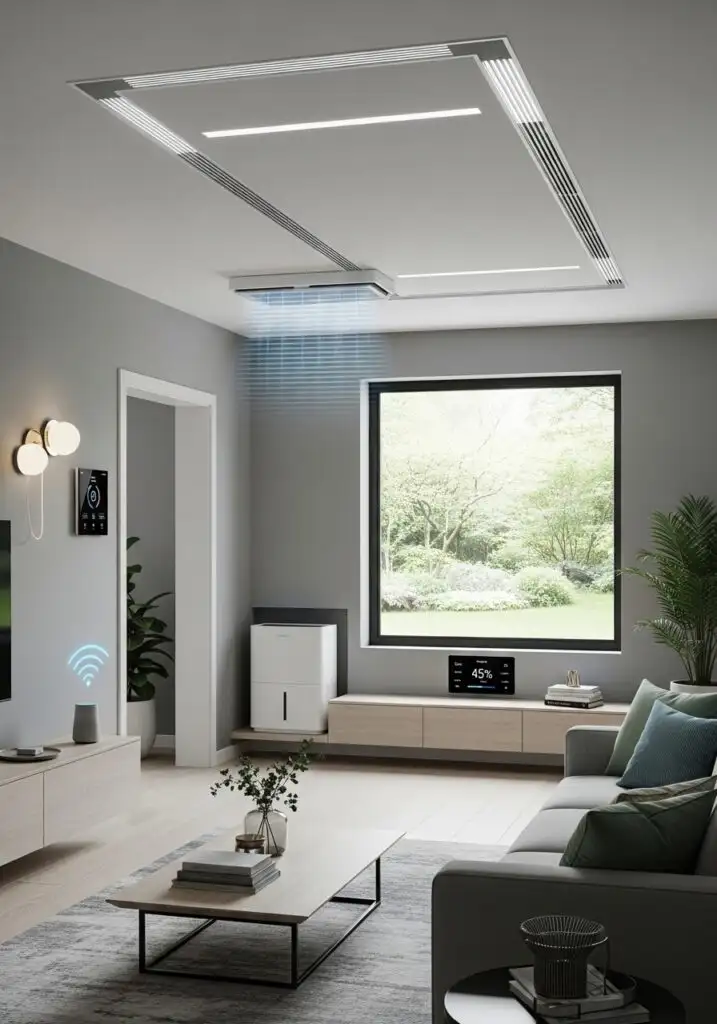
22. Choose Minimal Decor
Clutter traps heat.Simple layouts allow better airflow. Less stuff. More comfort.
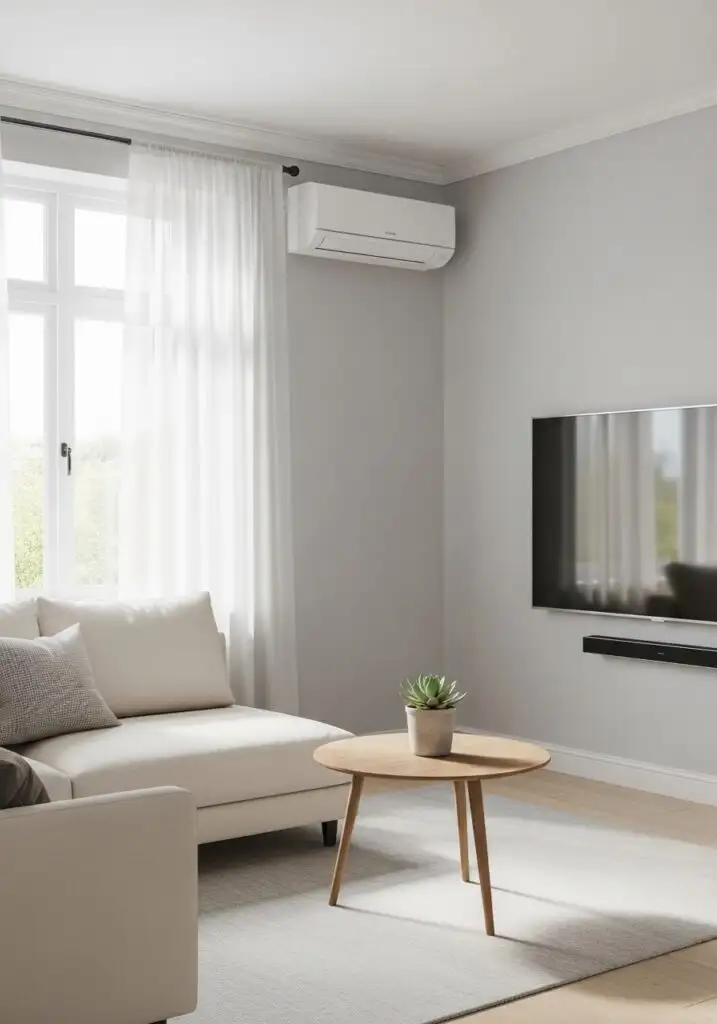
23. Smart Voice Control
Hands-free comfort. Voice control adjusts AC without moving. Small win. Big convenience.
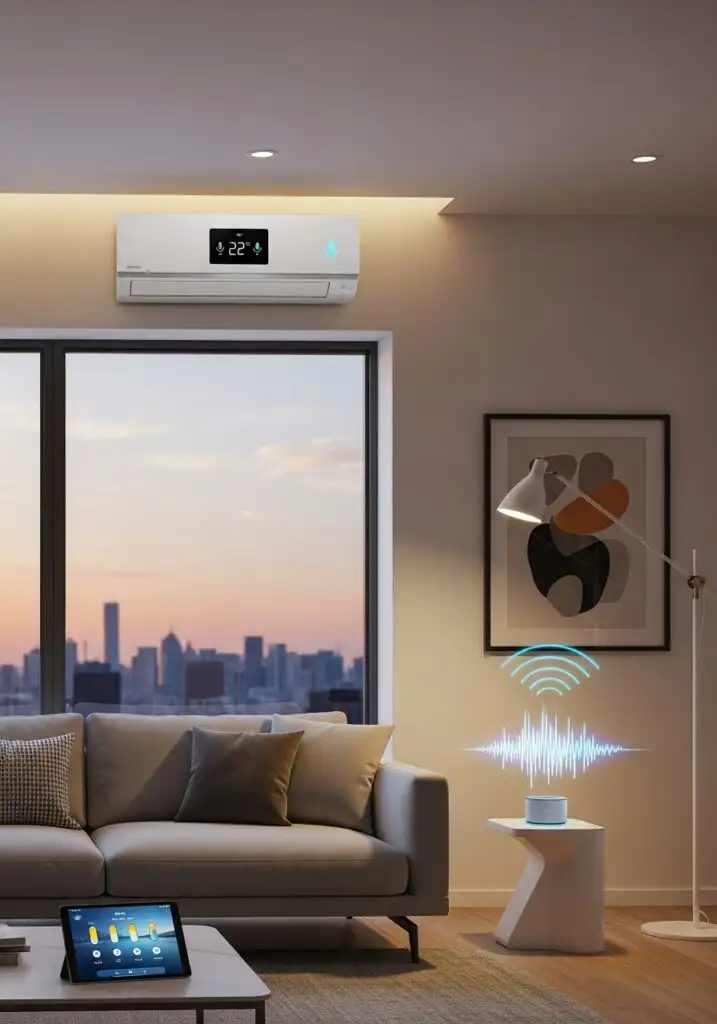
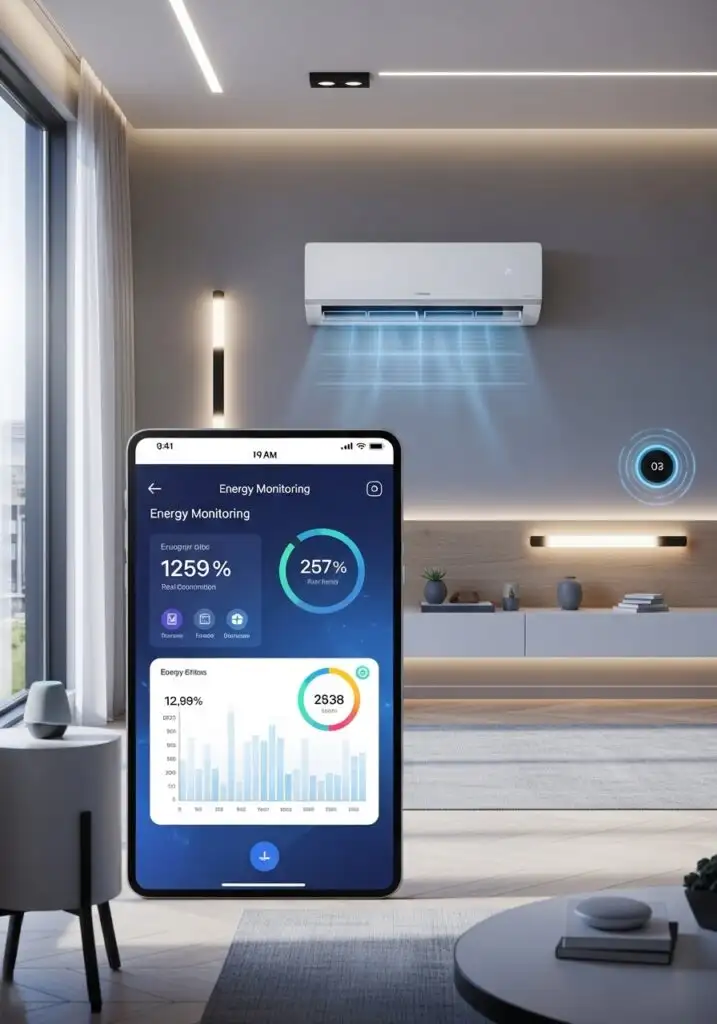
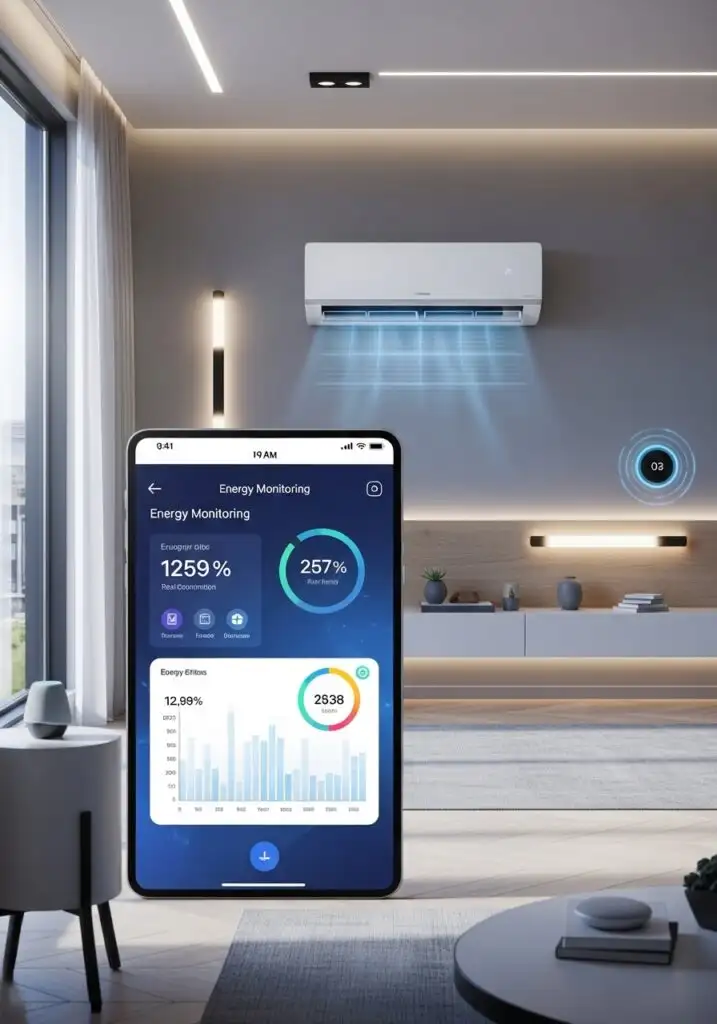
24. Use Energy Monitoring Apps
Track what costs more. Apps show power use patterns. Adjust settings based on real numbers.
25. Design for Sleep Cooling
Night cooling needs balance. Smart night modes lower noise and adjust temps slowly. Sleep stays uninterrupted.
Final Thought
A smart room isn’t about gadgets alone. It’s about choices that work together. When AC design matches how a room lives and breathes, cooling feels natural. No hot corners. No wasted power. Just steady comfort, day and night.